
We’re planning a weekend in Paris, we open Google Maps on the phone, and the battery dies in the middle of the journey between Bastille and Montmartre. A paper map slipped into the pocket solves the problem in seconds, provided you’ve printed the right file before leaving.
Why a paper metro map remains useful in 2026
Navigation apps work very well above ground, much less so underground. Between two stations, the 4G connection can disappear for several minutes. A printed map depends neither on the network nor on the phone’s battery life.
The other concrete advantage: the overall view. On a smartphone screen, you can see three or four stations at a time. On an unfolded A4 sheet, you can spot connections between lines at a glance and identify the most direct route without zooming or scrolling.
To have a clean and updated file, you can download a Paris metro map from Imazine, designed to remain legible when printed on standard paper.
PDF format and readability: what changes at printing
Not all maps available online yield the same result on paper. A file designed for the screen, with bright colors on a dark background, often becomes unreadable after printing. The lines blur together, and station names disappear into the gray.
The criteria for a truly printable map
- White or very light background: reduces ink consumption and improves the contrast of line paths
- Large enough typography so that a station name remains decipherable on an A4 sheet without a magnifying glass
- Distinct line paths in shades of gray, not just in color, for monochrome printers
- Vector PDF format rather than JPEG image, which avoids blurriness when enlarging or cropping
The official schematic map published by RATP exists in PDF (dated January 2026), but its format is intended for wide display. Printed as is on A4, the peripheral stations become hard to read. Cropping the area of Paris intra-muros before printing significantly improves the result.
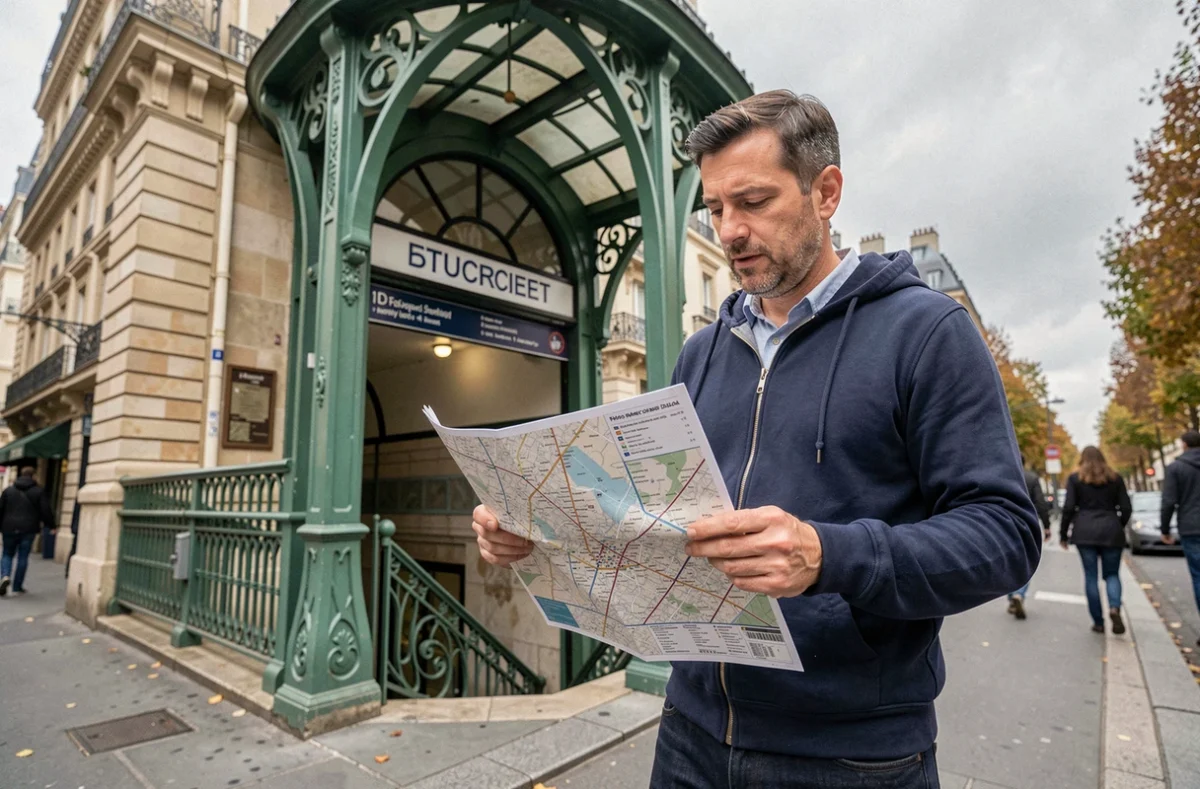
Paris metro network: what a standard map doesn’t always show
A standard metro map displays the lines and their stations. However, three elements are often missing, and they make a difference on the ground.
RER and Transilien connections
Several Parisian train stations connect the metro to the RER or Transilien network. Gare du Nord, Châtelet-Les Halles, Saint-Lazare: these transport hubs appear on the metro map, but the RER lines that cross them are rarely marked. For a visitor needing to reach an airport or the suburbs, noting the RER connections on the printed map with a pen remains the most reliable method.
Actual accessibility of stations
The presence of an elevator pictogram on a map does not guarantee an accessible journey from start to finish. The majority of historical metro stations lack step-free access. Line 14 is the most comprehensive exception in terms of accessibility.
Accessibility must be checked station by station, not line by line. A transfer may involve an unstaffed staircase even if the arrival station has an elevator. For those in wheelchairs or with a stroller, buses and the RER generally offer better alternatives.
Temporary closures and network changes
A printed map freezes the network at a given moment. During major events, certain stations may be closed by prefectural decision. The Île-de-France Mobilités app remains the only way to check a route in real-time on the day of travel.
The network is also evolving structurally. The opening of the first section of line 18, between Massy-Palaiseau and Christ de Saclay, is announced for autumn 2026. A PDF file dated before this date will not reflect this extension. Checking the update date of the map before printing avoids leaving with an outdated card.
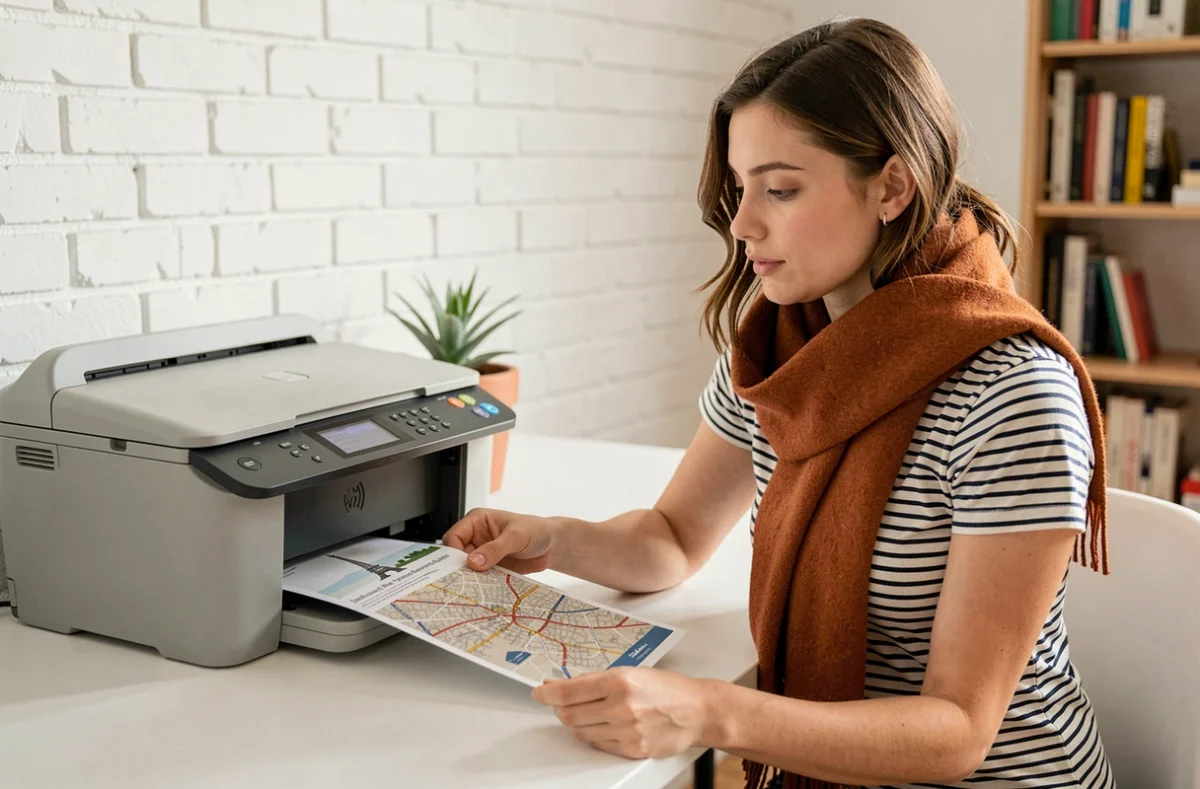
Printing the metro map: practical settings for a good result
The file is downloaded, now it just needs to be printed correctly. A few settings make the difference between a useful document and an unusable sheet.
Landscape orientation. The Paris network extends more from east to west than from north to south. In portrait mode, you lose either the eastern stations or the western ones. Landscape mode utilizes the full width of the sheet.
Standard print quality, not draft. Economy mode reduces ink density and makes the thinnest lines (like line 3bis or 7bis) almost invisible. Standard mode is sufficient, without switching to high quality, which consumes three times more ink.
- Choose A4 format (the most common in France) or Letter if printing from an English-speaking country
- Check “fit to page” in the print options to avoid cutting off part of the map
- Print two copies: one for the bag, one folded in the pocket, in case the first tears during the day
For those traveling in a group, laminating the map with a simple hot pouch makes it resistant to rain and repeated handling. You can find laminators at low prices, but a roll of clear adhesive film works too.
The paper map of the Paris metro does not replace a navigation app, but it complements it where it falls short: underground, with a dead phone, or facing a saturated mobile network. Pairing it with an online check on the morning of travel covers almost all situations.